
Dividator · Split expenses
Split group trips, rent & dinners. Who owes whom—clear balances.
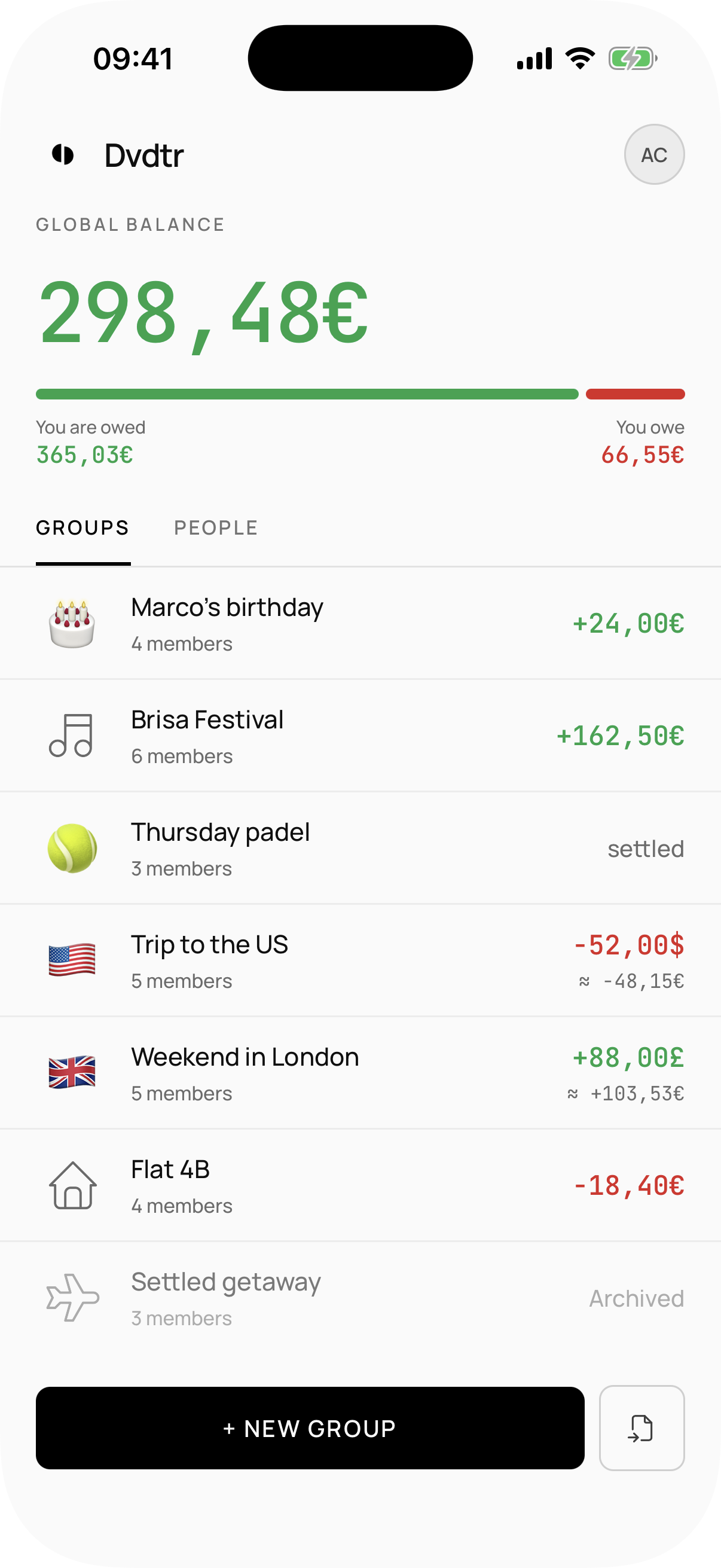
Expenses for trips, flats and dinners. Who paid what and who owes whom — no spreadsheets.


No ads.
No advertising tracking.
No artificial limits on the basics.
Expenses
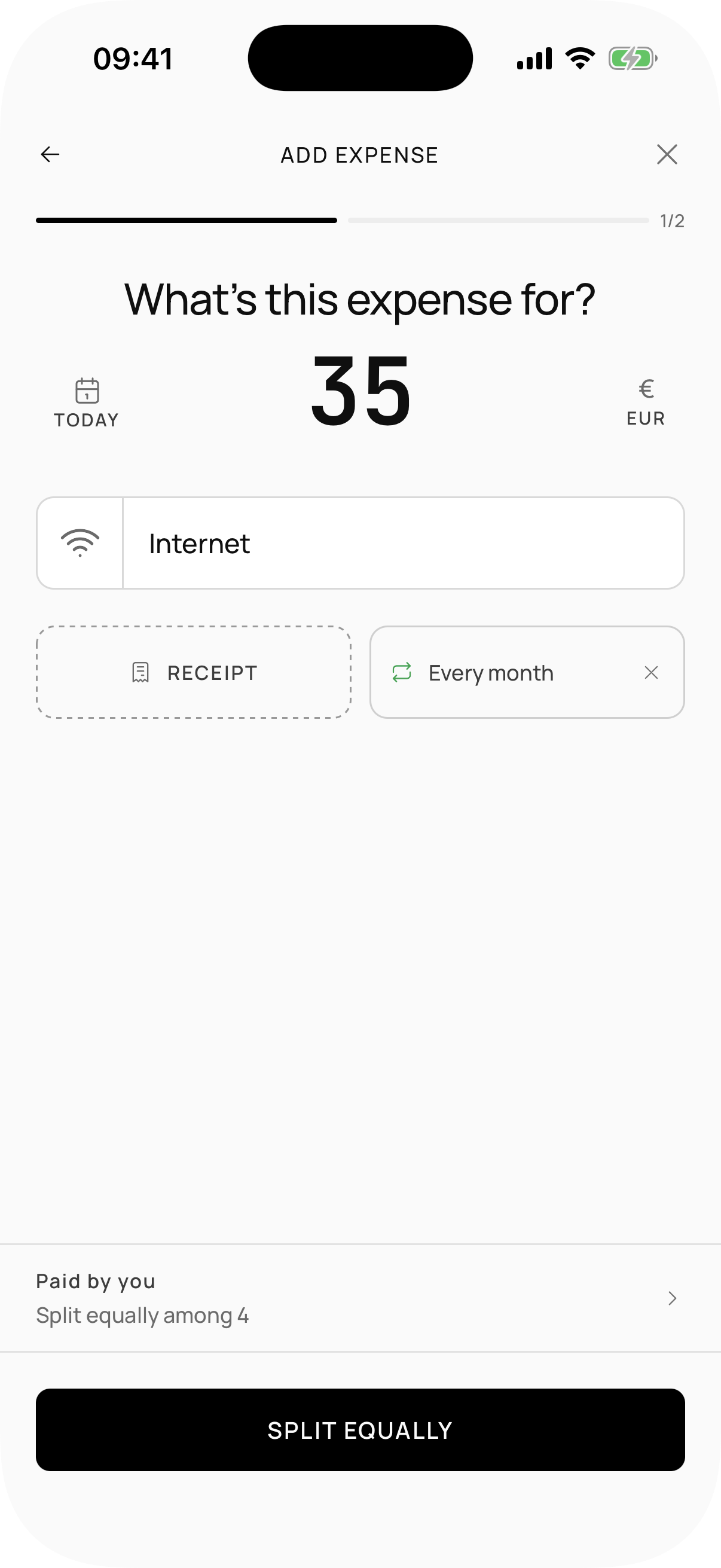
Create groups, add expenses
Who paid what and who owes whom, kept without spreadsheets or endless debates.
Splitting
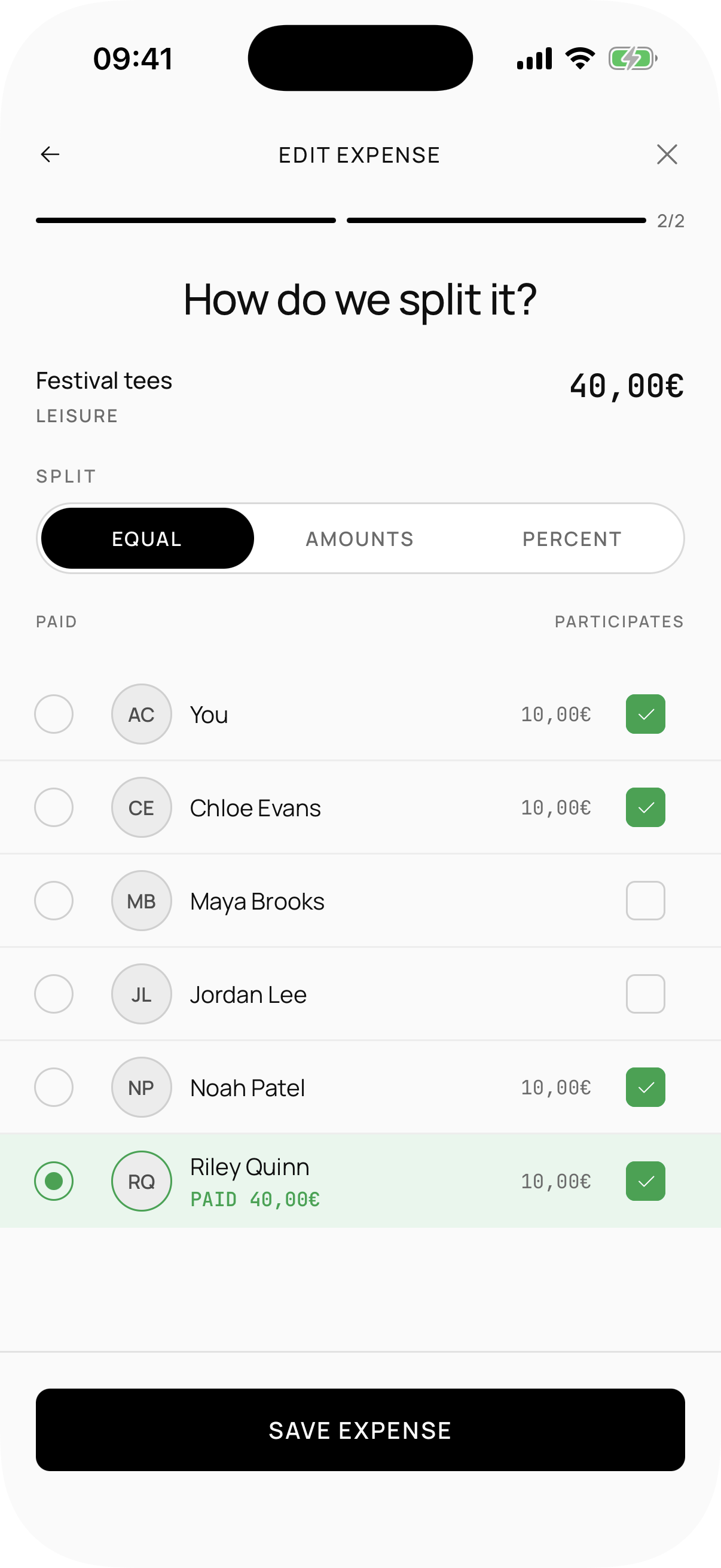
Split however you need
Equally, by exact amounts, or by percentages.
Equally
The expense is divided among all participants.
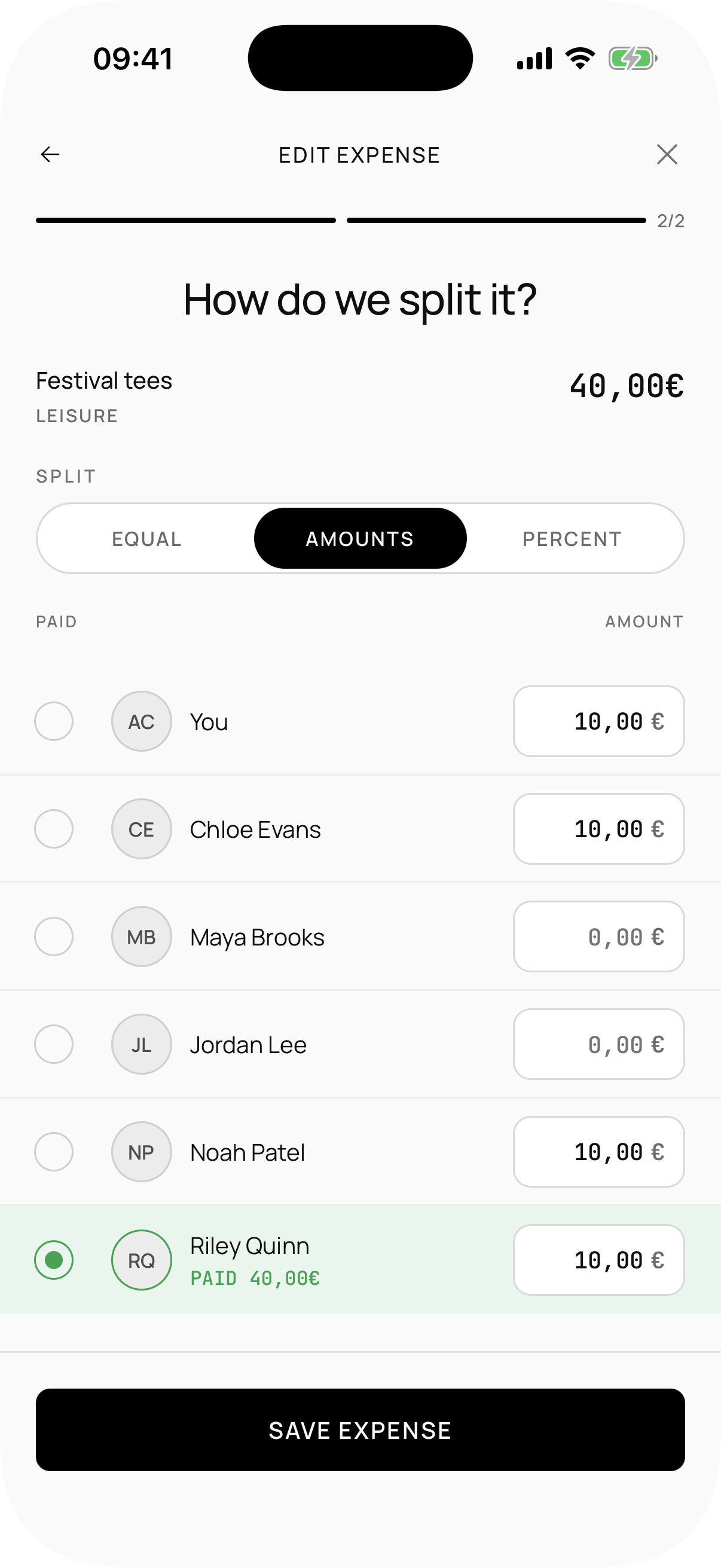
By exact amounts
Each participant with their amount, down to the cent.
By percentages
Proportional split by each person’s percentage.
Balances
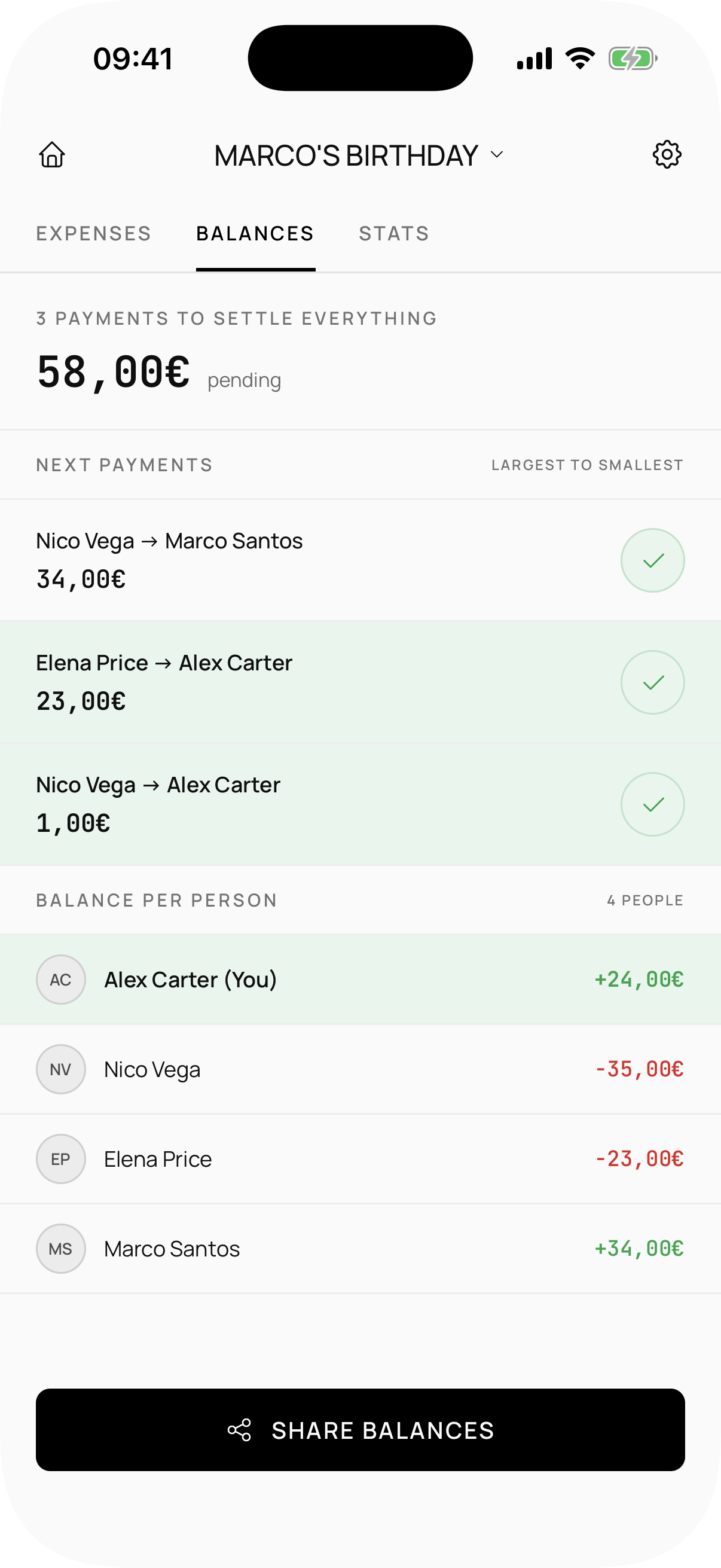
Who owes whom, clear
Check balances anytime.
Import
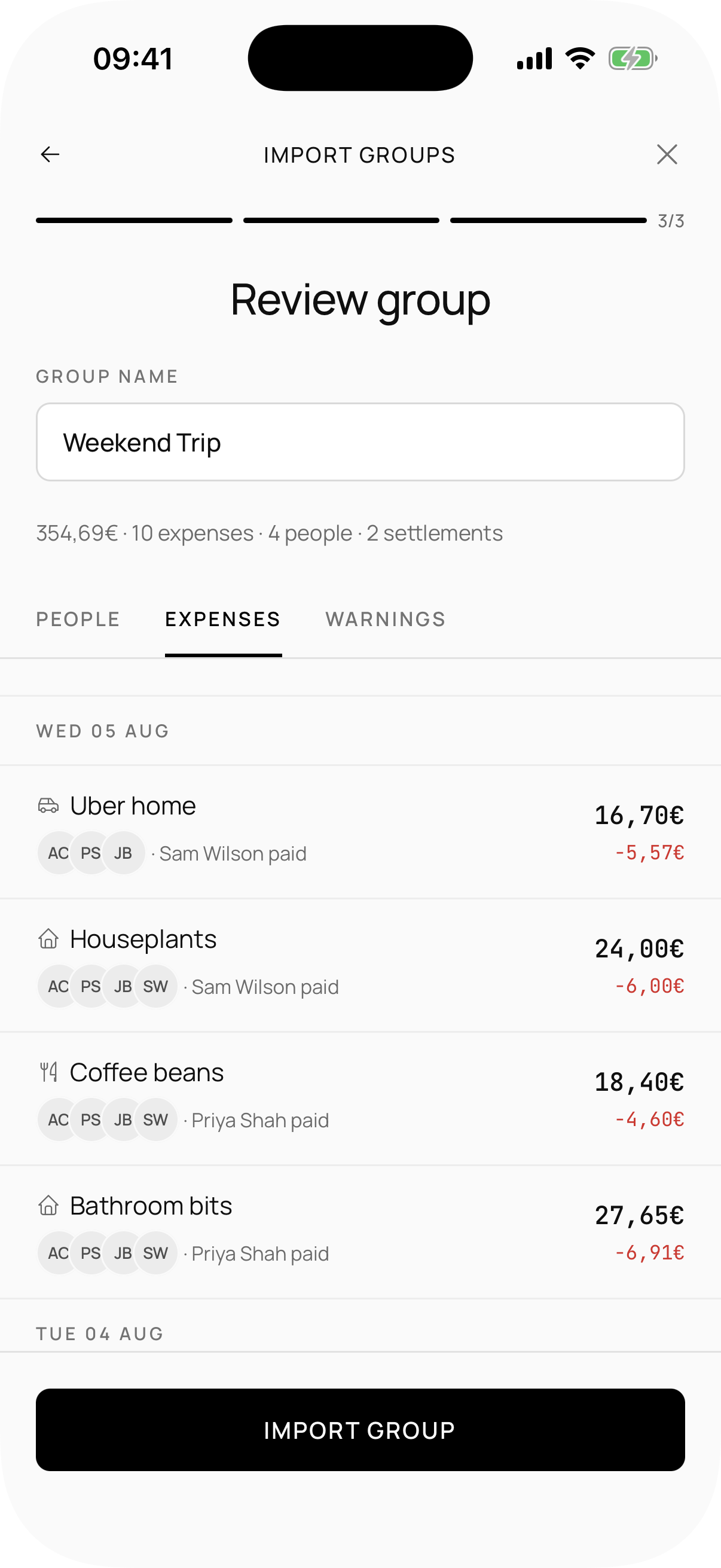
Coming from another app? Import and keep going
From Splitwise, Tricount, Splid, or Settle Up.
Themes
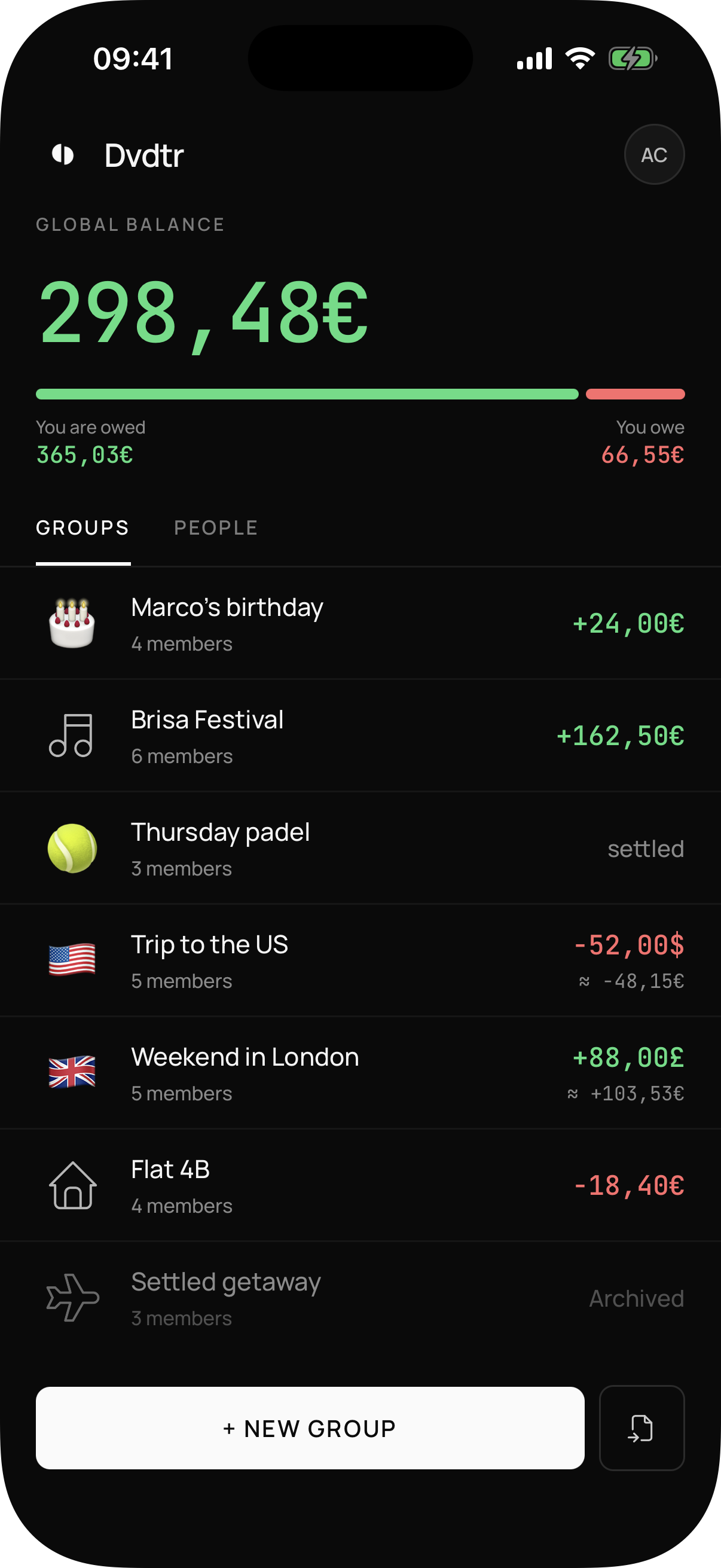
Light or dark
Choose light, dark, or follow the system. Just like this page.
And the rest, too
What you expect from an expense app, no fine print
Multi-currency
Mixing euros, dollars, or another currency? The conversion stays clear.
Recurring expenses
Rent, Netflix, or the weekly shop can repeat on their own.
Attached receipts
Attach a receipt to an expense when you need it.
Notifications your way
Choose which notifications you get—no spam.
Export
Want your data out? Export to CSV or Excel.
Dividator organizes shared expenses; it doesn’t move money or process payments.
That part’s still on you… or whatever you use to settle up.